Mail Functionality
By default the 'email deliverer' is the preselected, preferred media of delivery for the Messaging Manager (mail delivery) .This means that users and groups receive notifications via email and the system uses this deliverer with preference as interface for sending emails in HTML format.
Chapters:
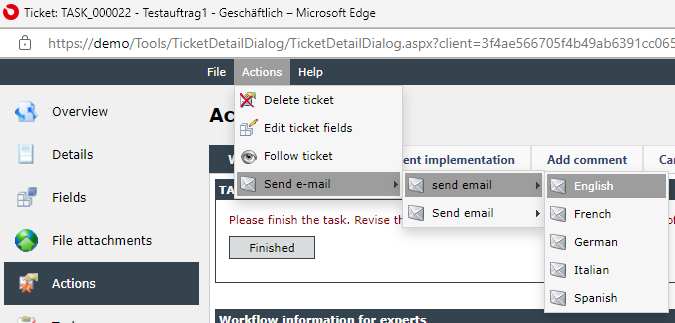
For instance, if configured properly, it is possible to automatically send a message originating from a ticket or a workflow. Further details can be found within ticket actions and Send e-mail and also in Workflow management Plug-ins Description and Messaging and Collaboration.
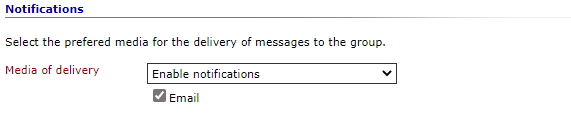
While creating, editing or importing users and groups, you specify the notification settings more precisely. With this setting you define if the user or group should be able to receive notifications or not. More information regarding this topic is to be found in Managing groups and users and Import.
The configuration of the Messaging Manager is done exclusively through SQL on the database XPertMaster. From there you are able to set individual configuration keys for the name space 'Isonet.MessagingManager.Deliverers.HtmlEmailDeliverer'. Recommended for the authentication of the e-mail services are preconfigured External login accounts of the type OAuth.
Note:
The installation of the service in the table 'MessagingDelivererConfiguration' is described within Configuration of the MessagingDelivererConfiguration table. After the configuration is done, the Web and Messaging Manager services have to be restarted.
The different purposes and use cases of the Messaging Manager may vary. Next to the aforementioned cases it is possible to configure e-mail accounts for the automatic reception and transformation of e-mail content into a ticket (see also Configuration of email accounts).


 Copyright (c) 2000-2026 Isonet AG