Knowledge Management
The Knowledge Management module is used to manage knowledge and information and is responsible for collecting, analyzing, storing and making this data available.
The knowledge is recorded in the form of articles (as a central unit) via an editor. These articles include, for example, solutions, search criteria, assessments, categorizations and validations on topics that are relevant to daily work. The structure of an article can be freely configured and kept up-to-date via a notification system with periodic resubmissions.
Chapters:
The Knowledge Base can be accessed via the navigation bar of your environment.

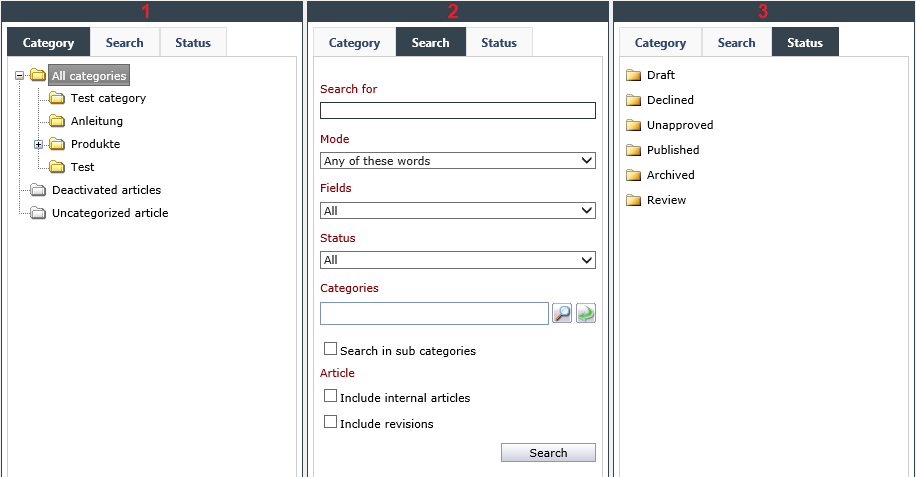
The Knowledge Base is divided in two parts: The sidebar, which allows for browsing through the KB articles according to category, status and other features, and the item list on the right, where the results of the search or all articles can be displayed.
The article list can be customized via the DataView Management.
All displayed articles can be opened and displayed via a double-click.
Articles
The structure of a KB article is very similar to that of a ticket. There are, however, some differences that will be explained in the following.
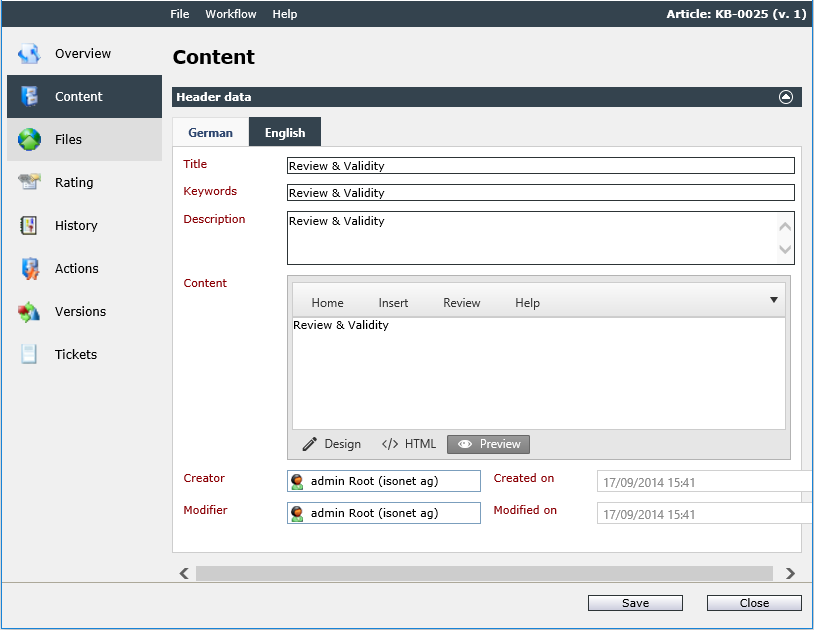
The Menu Bar
- File
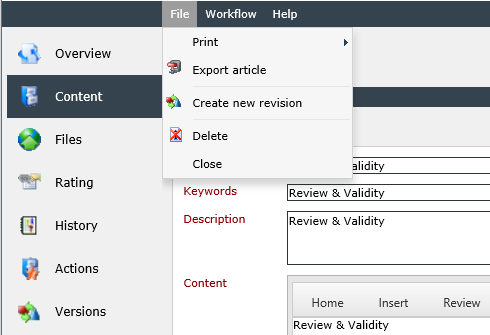
The menu item File offers the options Print, Export article, Create new revision, Delete, and Close.
Print: This option compiles a print preview of the article that contains an overview and the details to the article in the respective selected language. It can either be printed immediately or converted into various formats to be saved as a file.
Export article: This option creates a ZIP file containing the current article content. The file download will start automatically. The ZIP file contains information on the current article, the content of the article as a HTML file (in all languages), and file attachments in a separate sub folder. Flash, WMV, and other objects embedded into the article will be exported as well.
Create new revision: Creates a new revision of the current article.
Short instruction
Delete: Deletes the current KB article. If there are revisions of the article, they will be deleted as well. If only a revision of the article is deleted, the main article remains unchanged.
Close: Closes the window of the currently opened article.
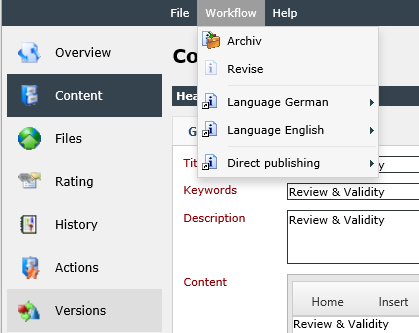
- Workflow
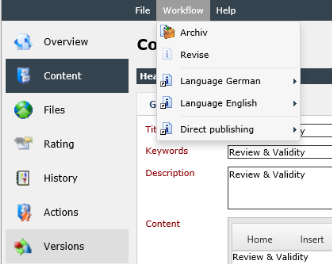
The menu item Workflow offers the actions pending for the current KB article. Such actions are, for example, archiving an article, publishing a draft, or the revision of the currently published article(see also Article Actions).
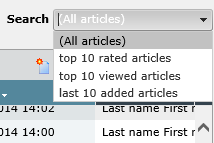
Search
There are various search options for finding articles quickly:
Using filters, categories, the full text search, or the display of articles according to status. Additionally, Knowledge Base articles can be searched via the extended search, which can be accessed via the top menu under Tools > Extended Search.


 Copyright (c) 2000-2026 Isonet AG