Login
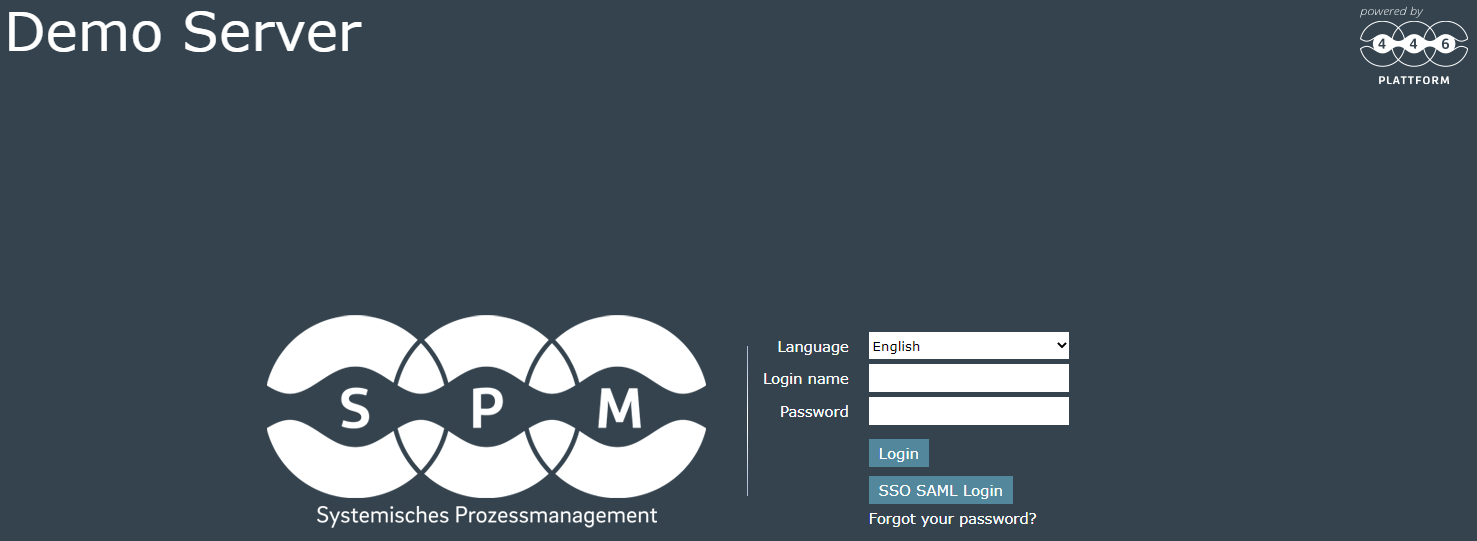
There are several ways a user can login to the system. One possibility is the manual login by username and password. To do this, the URL to the 446 Plattform® system is called in a browser (for example, https://servicedesk.companyname.com/):

If multiple languages are activated in the system, a language selection is available before logging in. For authentication a login name and the corresponding password are required. The login will be effected by a click on the button Login or by pressing ENTER.
Short instruction
If Single sign-on is active on the system and the user currently logged in to the PC is not imported in the 446 Plattform® (e.g. from the LDAP), a small Windows dialog appears after calling up the URL mentioned above, after a domain and user name and the Password asks. The escape key can be used to close the window and login manually. Alternatively, the username-password combination of an imported user is possible as login.
If the user has already been imported, his Windows credentials will be transferred directly to the 446 Plattform®. With this data, without even something has to be entered, it is now automatically logged.
For instance a SAML or OAuth authentication has to be registered as external login in the system. The article External login accounts contains more information concerning the installation of such a login. In addition the login for the SAML authentication has to be allowed for the user or the group (see also The Group Detail Dialog). The following illustration shows the login screen with a configured SAML login and without automatic sign in enabled:
Short instruction


 Copyright (c) 2000-2026 Isonet AG