Workflows
This chapters describes all the functions of the Workflow Management module. Nevertheless, the range of functions may vary due to configuration, licensing, and version.
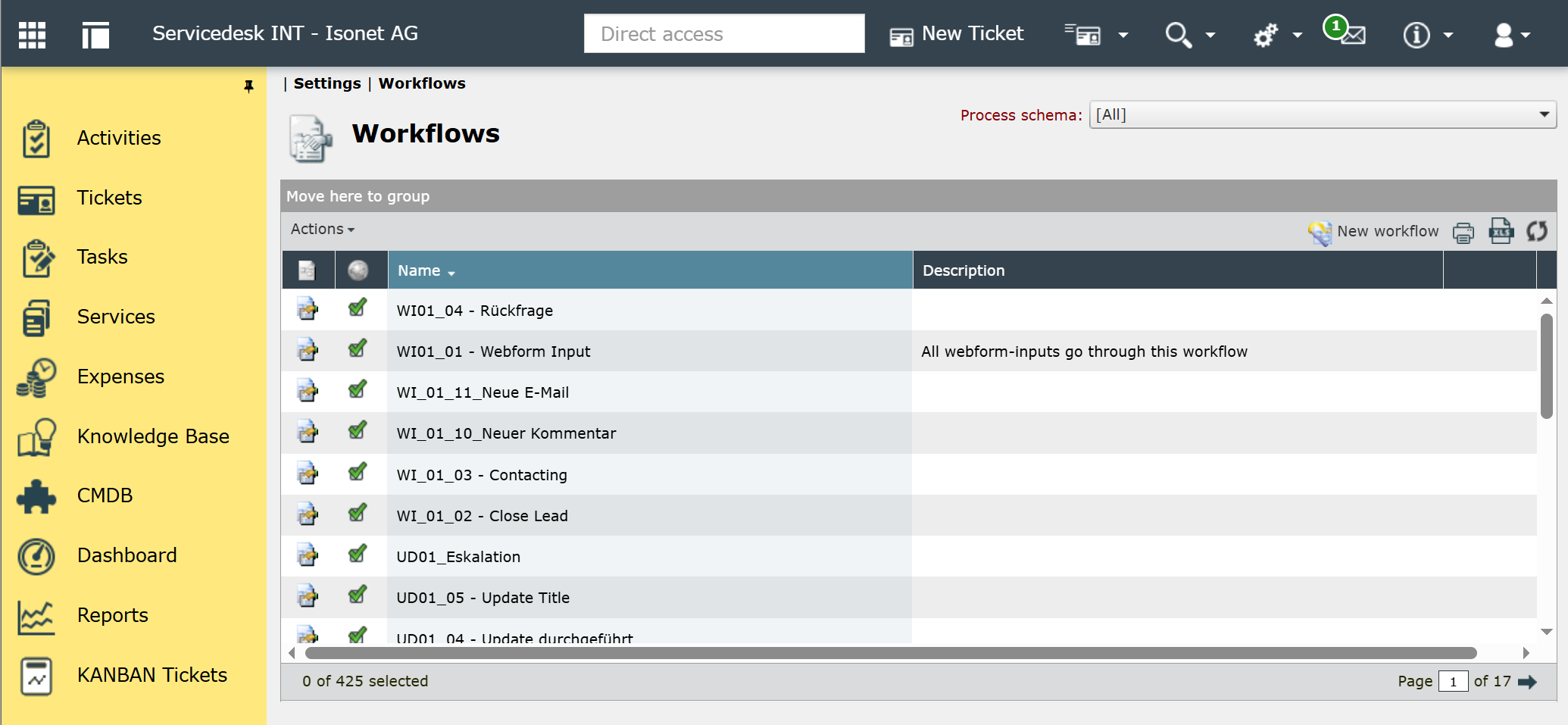
Under Settings -> Workflows the workflows for tickets, tasks, and many other objects can be created and configured.
Chapters:
Workflow types

-
CI
-
CI zone
-
Creation
-
Data
-
Early warning workflow
-
Expense
-
Knowledge Base articel
-
Message
-
Service
-
Service catalog
-
Service transaction
-
Task
-
Ticket
-
User/Group
Workflow categories
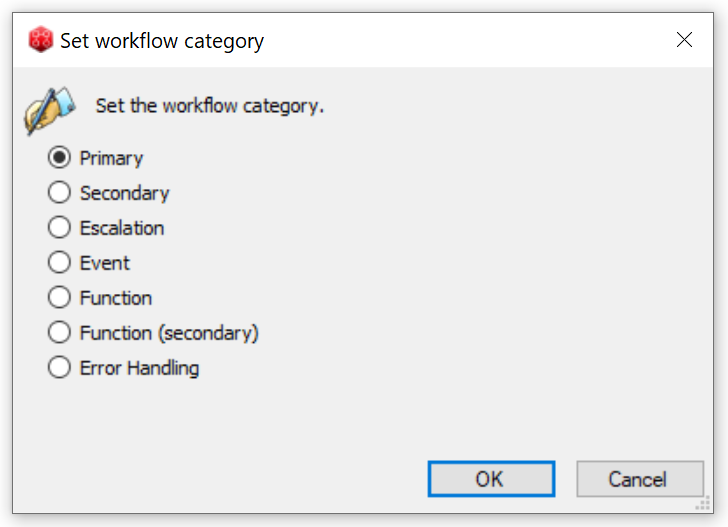
For each workflow type, workflows can be created in the following categories. These categories help organize the workflows and determine where in the interface they can be selected and started.
-
Primary
Select the Primary category for start or main workflows. Primary workflows can be selected in the interface — for example, in the ticket schema — as the start workflow for a ticket.
-
Secondary
Secondary workflows are used as sub-workflows. They cannot be selected in the interface. Their primary purpose is to help structure workflows and make them easier to navigate.
-
If you configure escalations and use workflows to send messages, for example, use this category.
-
The Event category is for workflows that are triggered by events (e.g., adding a comment to a ticket). These can be selected in various places within the interface, such as when configuring ticket actions.
-
Function
Function workflows can be called from within other workflows. They can be used, for example, to perform calculations or manipulate data. Input parameters can be passed to the function workflow for this purpose. Output parameters (such as the result of a calculation) are written to data fields and thus returned to the calling workflow.
-
Function (secondary)
The secondary functional workflows are primarily used to provide structure and improve clarity. See also the Secondary workflow category above.
-
Error Handling
This category is used to create workflows for error handling.


 Copyright (c) 2000-2026 Isonet AG