Forms
Via the form function of the Workflow Designer, individual forms can be created and integrated. These forms are HTML forms that implement special extensions in order to be usable in the 446 Plattform®.
Form Editor
The Workflow Designer (Settings > Workflow Management > Workflows > Arbitrary Workflow) allows for creating an individual form for every already existing workflow. Alternatively, the external Workflow Designer program can be used as well.
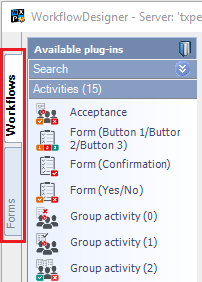
The Forms tab can be found on the left of the Workflow Designer. The form editor will open after a click on this tab.
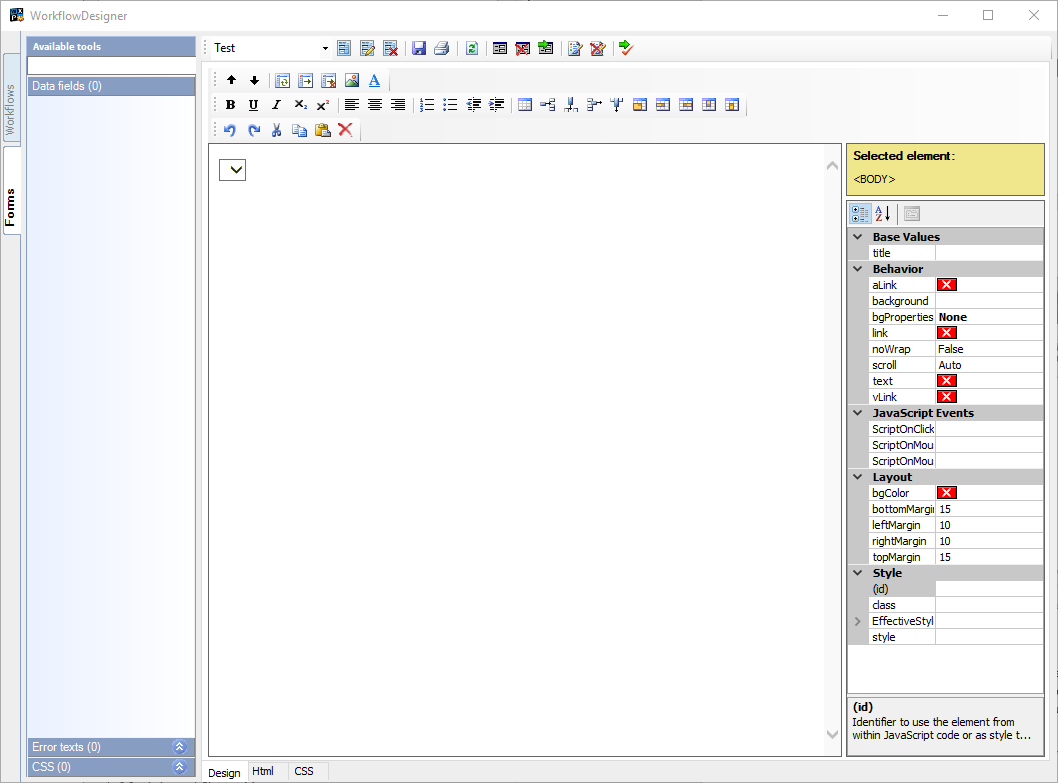
The editor is divided into various areas. On the left, the individual elements that are available for the form or have already been embedded into the form are listed. On the right, the design and editing area of the form can be found. This includes the tool bars above and the features array right of the editor.
The topmost tool bar belongs to the editor itself and provides the main functions.
Form Tool Bar
The following section gives an overview of the individual functions of the form tool bar (the topmost tool bar in the dialog). The drop-down list in the toolbar contains all available forms.

The buttons next to the drop-down list have the following functions:
| Icon | Description |
|---|---|

|
Creates a new form |

|
Edit the current form |

|
The selected (current) form is deleted |

|
Save the current form |

|
Print the form |

|
Reload all forms (forms will be reloaded from the server) |

|
Create a new form field |

|
Delete a form field |

|
Import form fields from another form |

|
Create new CSS |

|
Delete CSS |

|
Validates the current page |

|
Import a prefabricated InfoPath form |


 Copyright (c) 2000-2026 Isonet AG