Landing pages
The Landing page configuration section can be accessed via Settings > Administration > Landing pages.
Here you can manage all newly added or already created landing pages.

Configuration
Adding a new landing page or double-clicking on an existing page in the list view opens the editor for the page.
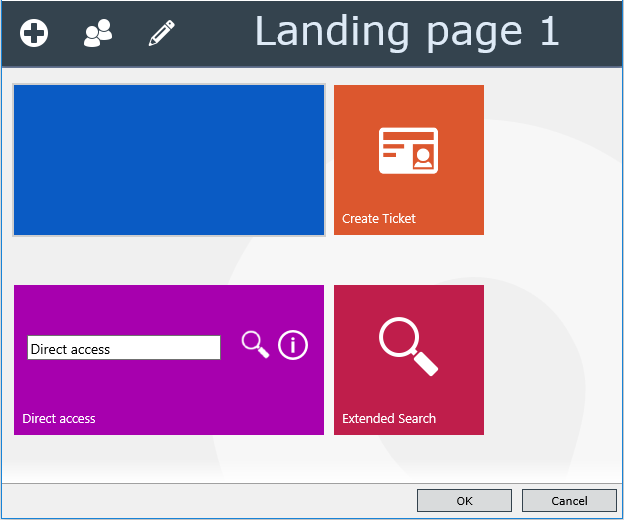

|
The button opens the configuration wizard for a new tile. |
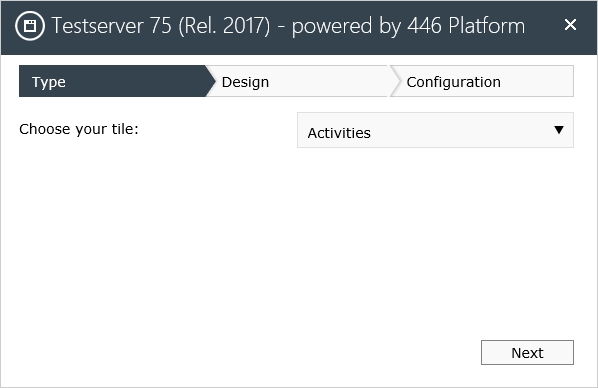
Via the setting of the Type (Activities, Create Ticket, Filter, Settings, Ticket template) it is possible to select the Design (color and shape) in order to finish the tile in the Configuration (depending on the type).

|
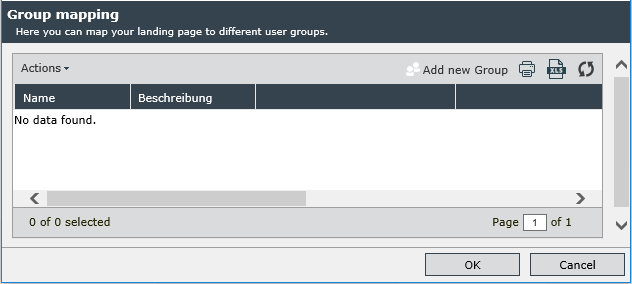
This button displays the group assignment menu. |

|
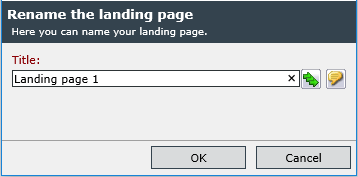
Enter or rename the name of the landing page. |

|
You can delete a tile by dragging it onto the recycle bin icon. |
The landing page can be opened by the left symbol of the menu bar (see User Interface). The setting for the application start up is in the User options (Start with landing page).
Note:
The start page is created by the administrator. The group assignment allows it to be assigned as the initial start page.
Once a user has accessed the home page, a copy is made and assigned to them. This copy can be customized by the user. Subsequent changes to the assigned home page do not affect this copy.
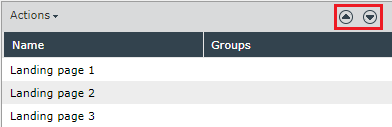
If several assigned start pages exist, the order of these pages becomes effective when they are called. The administrator can change this order (arrow keys in the start page list).


 Copyright (c) 2000-2026 Isonet AG