Activities
By selecting Activities the list of the activities is displayed. It can be used to organize and work on activities of a current user to be performed in regards of tickets, tasks and KB articles.
Short instruction
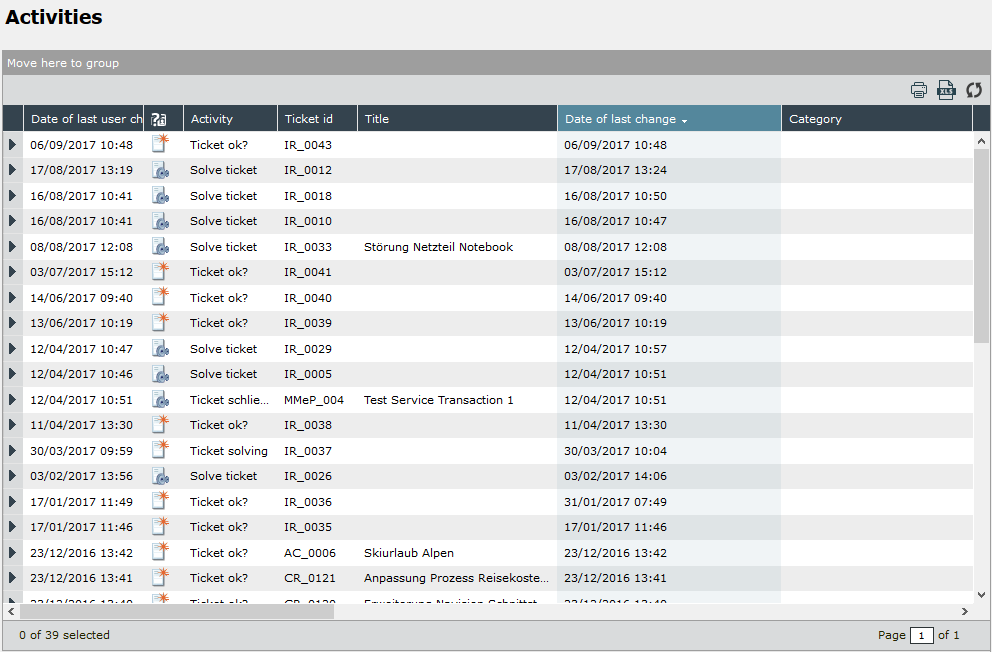
The columns and icons in the figure above show an example configuration. Thus, the columns and icons displayed in the delivered version of the 446 Plattform® may be different to the example configuration as they can be configured individually.
Please contact your system administrator if you are not sure about the meaning of columns and icons.
The activity list can be filtered according to defined criteria, so that ultimately only a subset of all activities is displayed.
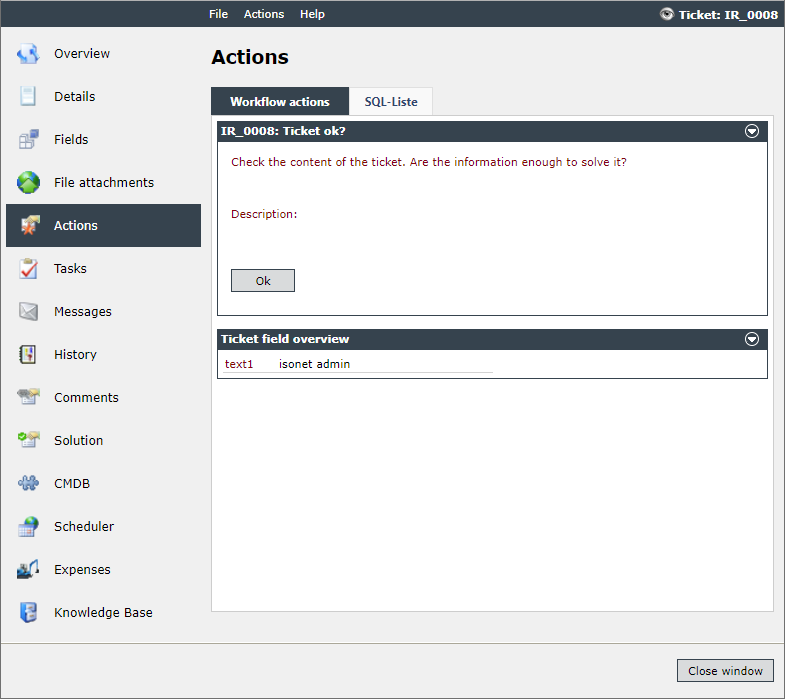
To display the details of an activity, double-click it.


 Copyright (c) 2000-2026 Isonet AG