Ticket Filter Templates
Each configured filter in the advanced search can be saved as a personal filter template. Only the currently logged in user has access to this. The filter templates can be found in the search menu (magnifying glass) in individual sub menus and can be selected directly there.
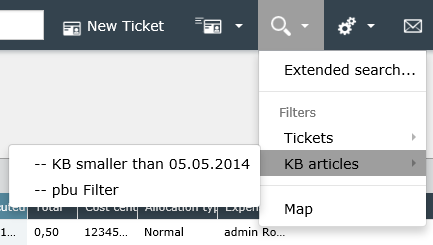
In addition to the personal filter templates, you can also find the globally provided templates here. Global templates can be seen on the two lines at the beginning of the name. After clicking on such a template, the search dialog opens directly with the result list.
Note:
If the predefined filter uses a ticket field to which the user does not have permission, the following message appears:
This filter contains hidden conditions that are not saved and are not included in the search.
On the ticket list the filter templates for tickets are also added to the filter control. Thus, it is possible to apply the filters directly to the ticket list.
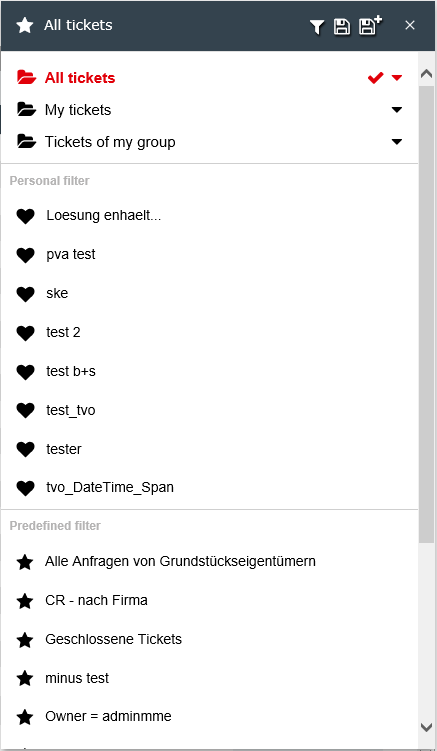
The personal filter templates are marked with a heart, the global with a star. If a template is selected here, the filter result is displayed directly in the ticket list.
Short instruction


 Copyright (c) 2000-2026 Isonet AG