Ids
The system uses two different types internally to uniquely identify objects. These two types are DataId and ObjectGuid.
In some parts of the system, such identifiers are required for configuration. For this reason, some of the most important ones are displayed in the system. The objects and locations are listed below.
Tenant ObjectGuid (ClientObjectGuid)
The ClientObjectGuid can be found at Settings > Administration > Basic Configuration in the field Tenant ObjectGuid.
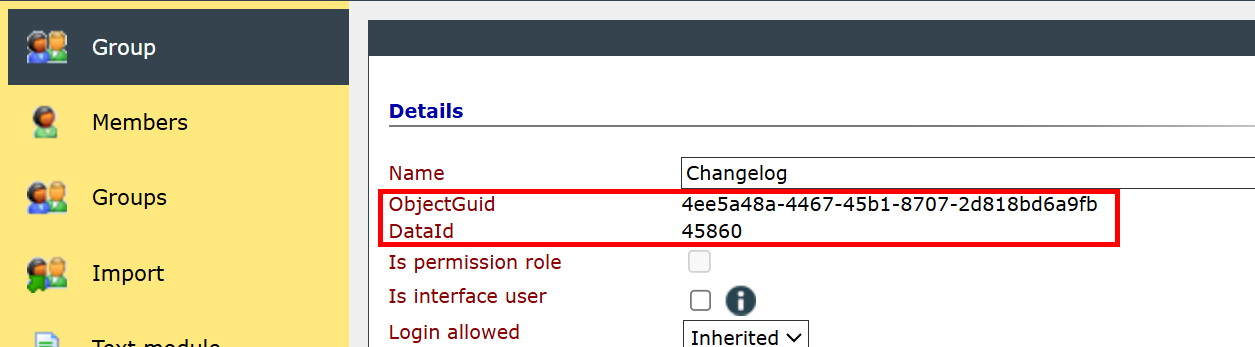
Group ObjectGuid & DataId
Go to Settings > Groups & Users. Select a group and click Edit (or double-click the group name in the tree view). You will then find the ObjectGuid and DataId in the fields labeled accordingly.
User ObjectGuid & DataId
Go to Settings > Groups & Users. Expand a group in the tree view so that the users are visible. Select a user and click Edit (or double-click the user's name in the tree view). You will then find the ObjectGuid and DataId in the fields labeled accordingly.
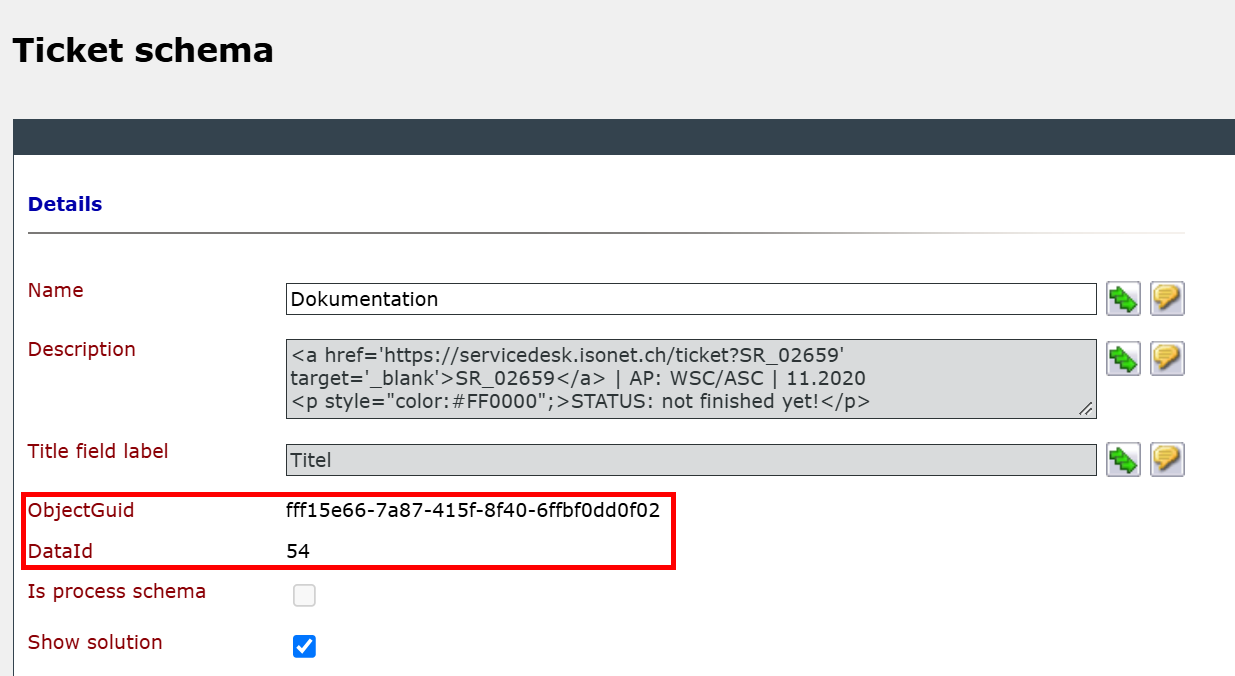
Ticket schema ObjectGuid & DataId
Open an existing ticket schema under Settings > Tickets > Ticket Schemas. On the Ticket schema tab, you'll find the ObjectGuid and DataId in the Details section, in the fields labeled accordingly.
Ticket schema field ObjectGuid & DataId
Go to Settings > Tickets > Ticket Schemas and open an existing ticket schema. Switch to the Fields tab and open an existing field. You can find the ObjectGuid and the DataId in the corresponding fields.
Ticket action ObjectGuid & DataId
Go to Settings > Tickets > Ticket Schemas and open an existing ticket schema. Switch to the Actions tab and open an existing action. You can find the ObjectGuid and DataId in the corresponding fields in the Details section.


 Copyright (c) 2000-2026 Isonet AG