Individual reports
The module for statistics and analysis based on the MS SQL Reporting Services allows for the generation of miscellaneous report templates. The reports are available with filters, rendered according to the latest standards, and with functions like subscribe, drill down, image map, etc. in the formats JPG, TIFF, DOC, XLS, PDF, and HTML. Via the existing import interface, every individual report template can be created and imported easily and quickly with a respective designer.
For the generation of individual reports, a class library called ReportingHelper can be used. It offers various methods of formatting and communication.
These individual reports can be embedded via the Business Intelligence. RDL files can be uploaded onto the server and configured.
Visual Studio or another designer for RDL files (report definition files) is required in order to be able to create one’s own reports (see also MS Reporting Services).
Warning:
When creating reports, please pay attention to the data sources being named TXPE0, LVER0, KB0, CMDB0, and TxpeMaster.
In order to create reports for the Microsoft Reporting Services, basic knowledge on reporting is required.
The MS Reporting Services in the version 2005 SP2 or newer are supported.
Using the Reporting Helper Classes
A prerequisite for the use of the Reporting Helper classes is the embedding of the Reporting Helpers Code Library into the report properties.
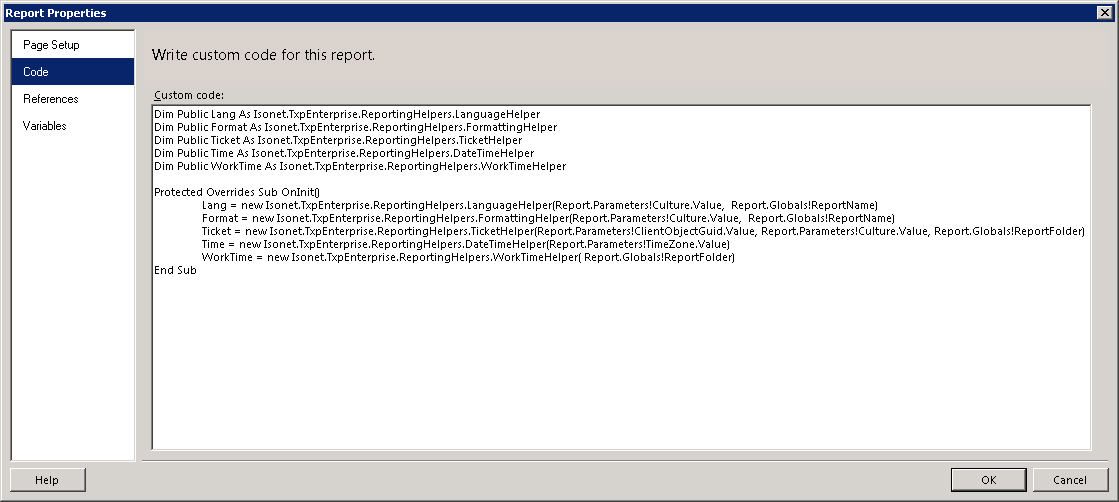
Static Methods
Static methods of the Reporting Helper can be accessed as follows:
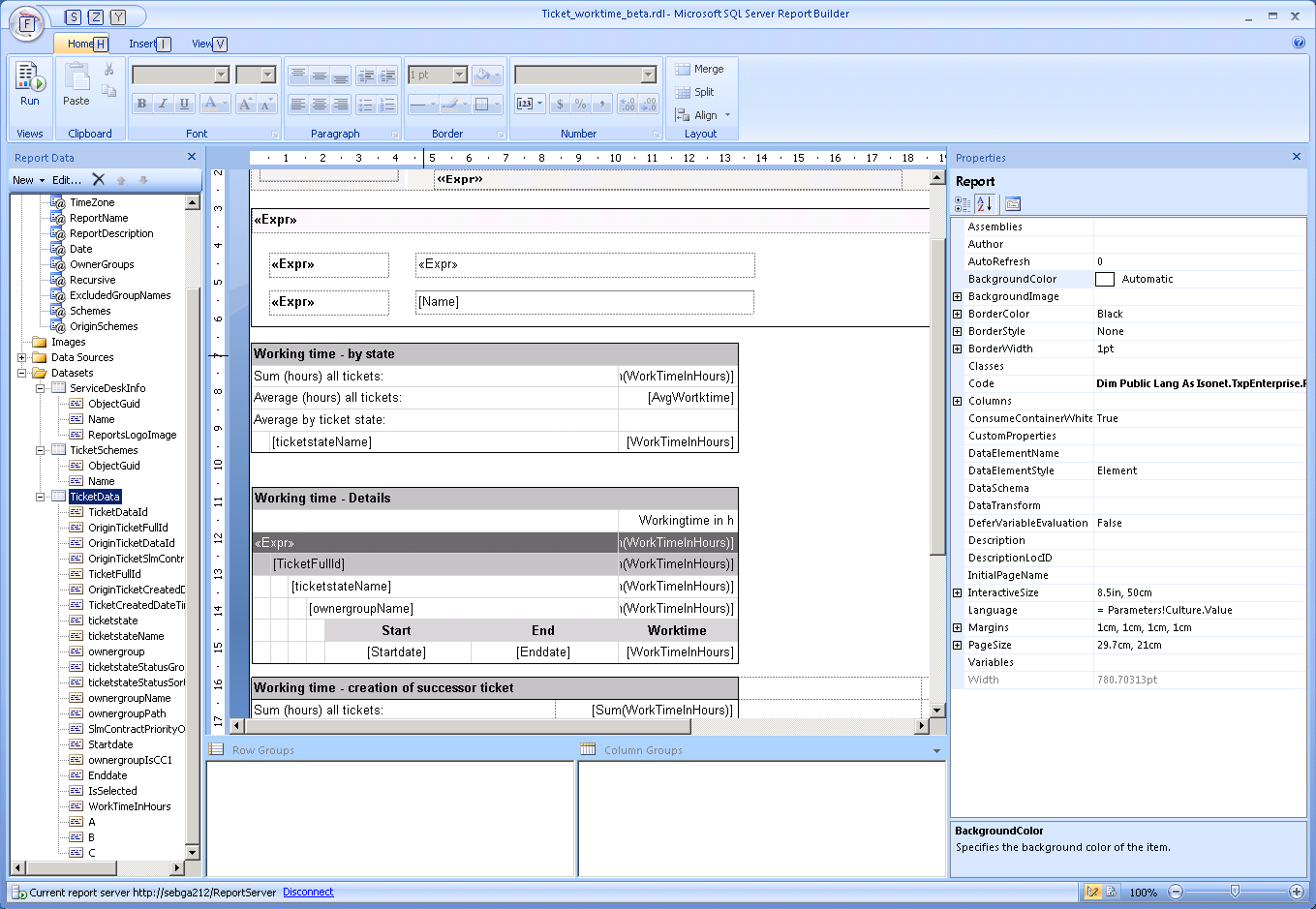
Methods from Instances
For non-static methods, an instance of the respective class has to be created:
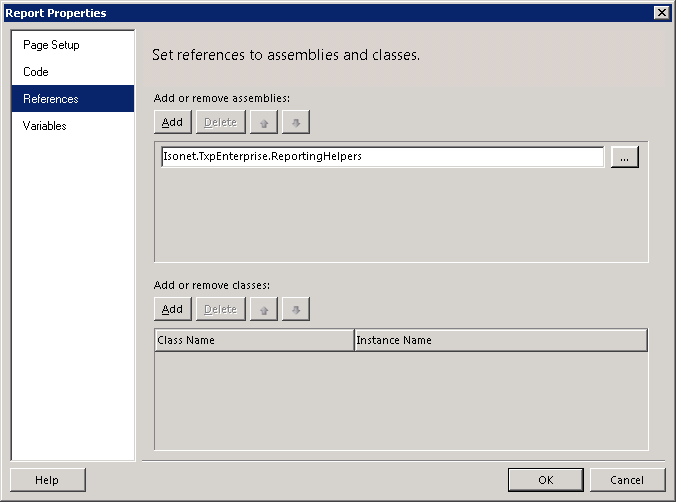
Subsequently, the method can be accessed via the Code keyword:
Example:
=Code.Lang.Text("AffectedUser")
Parameters
All of the reports accessed from the report stage have to contain the following parameters:
ClientObjectGuid: Passes all selected clients as a string separated by commas.
A ClientObjectGUID always has to be passed. For multiple-client-capable reports, multiple ClientObjectGUIDs can be passed.
Example:
51649D88-2C59-4F00-8516-2615D792800A,
25a750be-7eb7-4fad-e7e-ebefbae19d3f
LanguageObjectGuid: Passes the language of the current user and is used for the LanguageHelper and for the query of the LocalizedProperty table.
Example:
5adeb54b-481b-437b-83e5-94309c2ff137
UserObjectGuid: Passes the UserObjectGUID of the current user and is used for permission queries.
Example:
25a750be-7eb7-4fad-e7e-ebefbae19d3f
Culture: Passes the specific culture of the current user and is used for localizations.
Example:
de-CH
TimeZone: Passes the index of the time zone of the current user and is used for computing the date values. All of the date values in the database are specified in UTC (GMT). They have to be converted via the time zone information first.
Example:
110
ReportName: Passes the localized name of the report defined and is displayed in the report’s title.
Example:
Expenses arranged at cost center.
ReportDescription: Passes the localized description of the report defined and is displayed in the report’s description.
Example:
This report displays all expenses and arranges them at cost centers.


 Copyright (c) 2000-2026 Isonet AG