CI Relation Types
Relation types allow for reproducing relations that can exist between real objects within the CMDB of the 446 Plattform® as well.

New relation types can be created via the button New relation type. Relation types not needed any more can be deleted via the Actions menu.
The following settings can be made in the configuration dialog for new relation types:

Name: The name of the relation type as displayed as soon as a CI is related to another CI. Localization buttons will be displayed as soon as multiple languages have been activated in the system.
Description: A descriptive text for the relation type. Localization is possible here as well.
Critical: Currently not in use.
Direction: Relations with a direction can be seen from both sides. Example: The relation type Contains should be defined as Is contained in from the other side.
Reversed relation name: If the option for Direction has been activated, the relation name for the reversed view can be entered in this field.
Grouping: If a number greater than zero is entered here, the relationship type will be grouped in the CMDB tree view once the number of linked objects reaches the configured threshold.
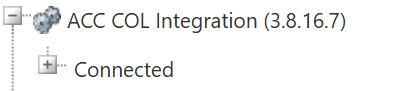
Maximum links: Here, you can specify the maximum number of connections that a CI can establish with this relationship type. A value of zero indicates an unlimited number of connections. Any value greater than zero limits the number of possible connections.
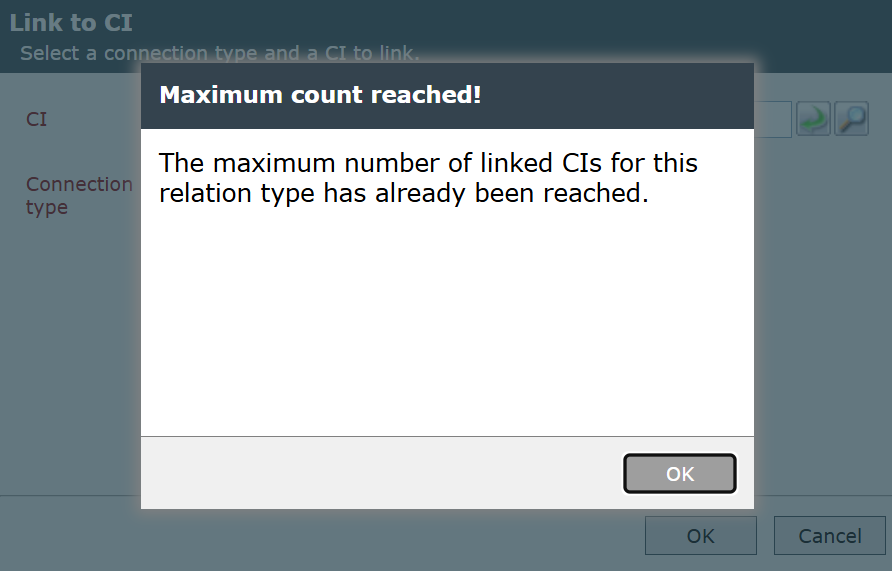
Since only one CI can be linked at a time, if a user attempts to link another CI while a link of that relationship type already exists, they are asked if they want to replace the existing CI. If they select Yes, the existing CI is unlinked, and the most recently selected CI is linked.
Move CI to the CI zone of the linked CI: Describes the behavior when linking CIs manually. In the automatic generation of links e.g. by a CI import, the settings will not be considered. The following options are possible:
- No
- Yes, only the current CI
- Yes, the current CI and all linked CIs (recursive)
Move linked CIs to the new CI zone as well: Describes the behavior when moving CIs manually. When moving CIs automatically e.g. by a CI import, the settings will not be considered. The following options can be selected:
- No
- Yes, only directly linked CIs
- Yes, all linked CIs (recursive)
- Yes, all linked and parent CIs


 Copyright (c) 2000-2026 Isonet AG