Restoring a Workflow
In order to be able to retrace and restore them, changes are saved. In doing so, every save point is recorded separately, accompanied by a comment.
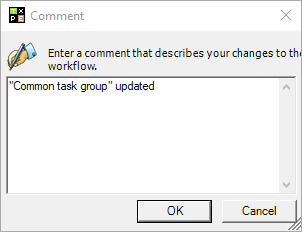
When the workflow is saved again after creation, an additional comment can be added, in order to keep records of all modifications. If the workflow is not workable or executable, its previous version can be restored.
To restore a workflow, click on the button Show change history of the workflow. All workflow modifications will be displayed in a new window. Select the desired workflow with a right click and subsequently click on Restore.
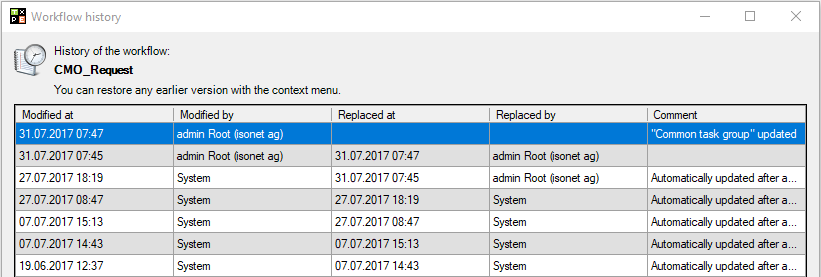
An older version of the workflow will be restored. The workflow can be used after saving.


 Copyright (c) 2000-2026 Isonet AG